- Docs
- Get set up
- Get an Anthropic API key
Get an Anthropic API key
Create an Anthropic account, add a way to pay, make an API key and give it to Rivet.
An API key lets Rivet use Claude and bill an Anthropic account for what it does. If your company already has an Anthropic account, ask its administrator for a key and skip to step 4.
1. Create an Anthropic account
Go to the Claude Console, Anthropic's site for API accounts, at platform.claude.com, and sign up with your work email.
2. Add a way to pay
In the Console, open Settings › Billing, add a card and buy some credit. A first app costs a few dollars; the whole of Your first app used about $2.40 of Claude in each of two runs on 2026-10-15.
3. Create a key
Open Settings › API keys and press Create key. Name it "Rivet" and copy it. It starts with sk-ant-.
4. Give the key to Rivet
On the Choose who does the building step (or later, Settings › Who builds), pick Your Anthropic API key, paste the key into API key, and press Test. "The API key works" means you're ready; press Start building.
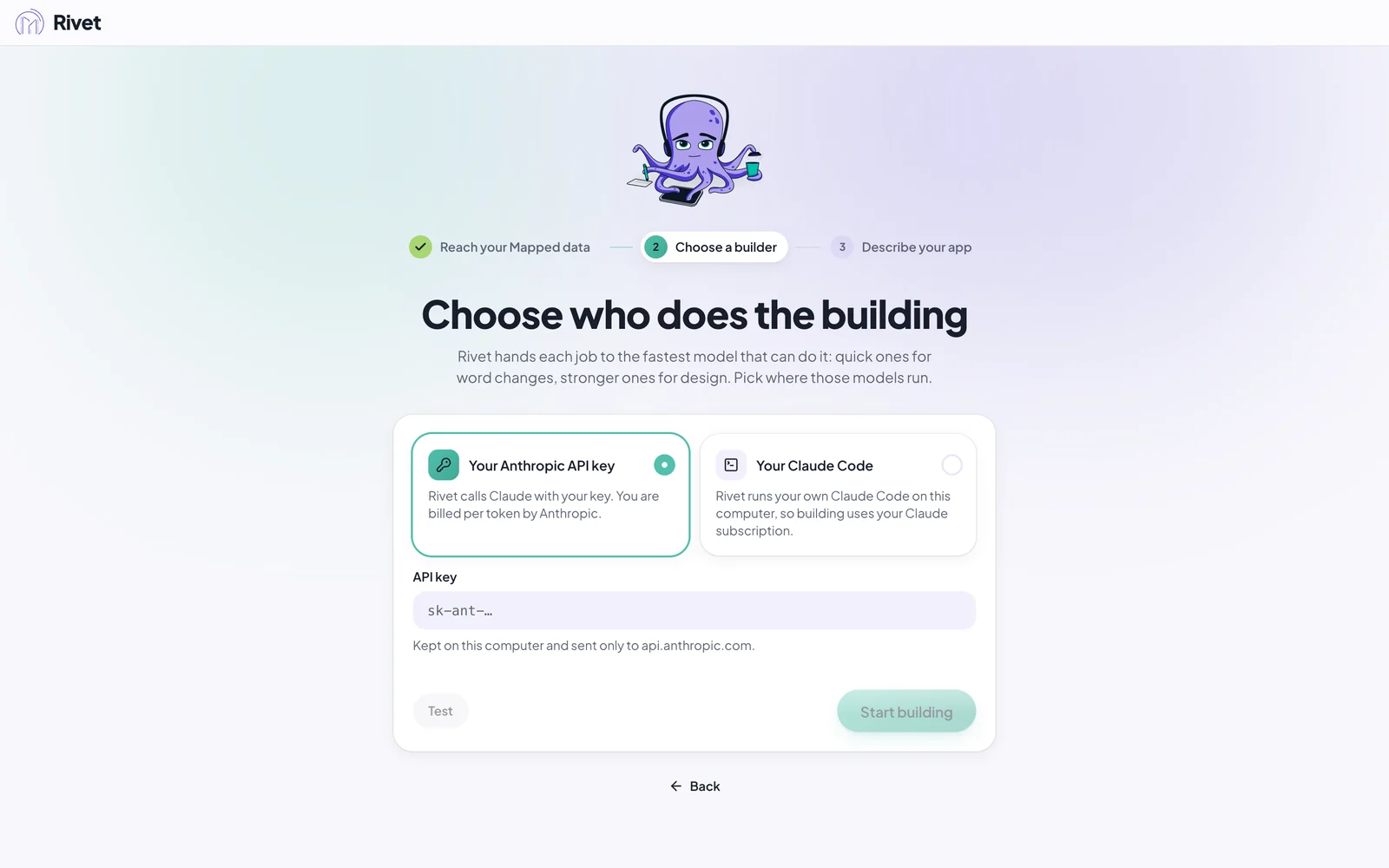
Rivet keeps the key on your computer and sends it only to Anthropic (api.anthropic.com).