- Docs
- Your first app
- 2. Describe the board
Step 2: Describe the board
Choose Describe it, paste one description of the whole board, and start the build.
Choose Describe it
Under How do you want to start?, click Describe it: "Say what you want in your own words, and Rivet builds it." Rivet moves on to the last step, Say what you want, with the description box.
The other choice, Suggest something, asks who the app is for and what they need, then suggests a first screen from the site's data. It's useful when you know the problem but not the screen; see Get suggestions. Here, you already know exactly what to build.
Paste the description
Click in the description box and paste this, exactly as it is:
A datacenter operations board for the facility manager on duty. At the top, four headline numbers: power drawn by the servers, the average rack inlet temperature, how many racks report healthy hardware, and how many robots are below 30% battery. Below them: a table of the monitored racks, hottest GPU first, with GPU temperature, rack inlet temperature and PDU load; the cooling chain from the cooling towers to the chillers to each hall's air handlers, with fan speed, chilled water temperature, chiller capacity in use and supply air temperature; the power path from the UPSs to the power panels, with UPS load, panel current and the generators on standby, plus a 24-hour trend of UPS load; and the robot fleet with each robot's battery, flagging any below 30% as needs charging.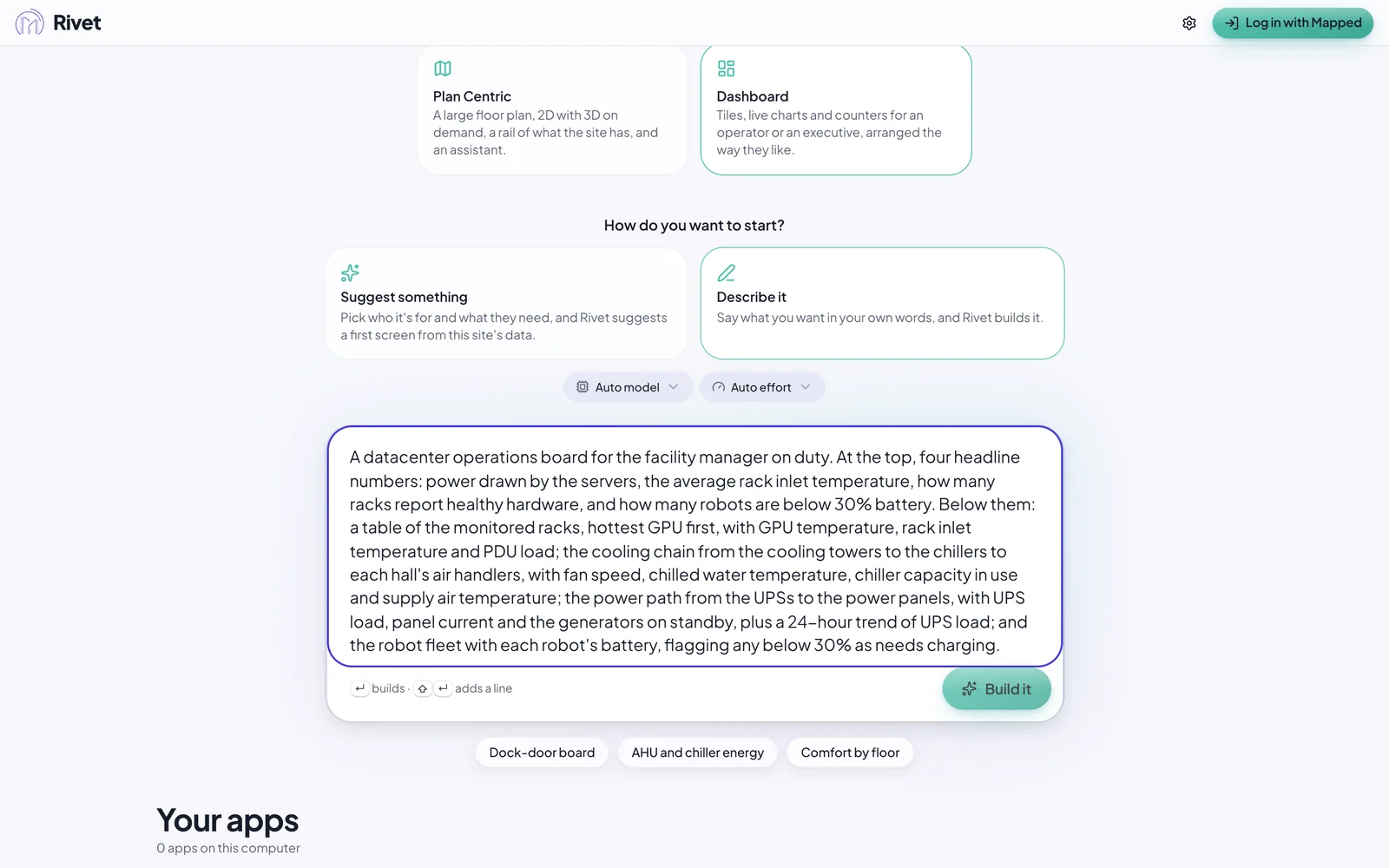
It reads like a note to a colleague, and that's the point. It says who the board is for (the facility manager on duty), what goes where (headline numbers first, then the tables), and what matters (the hottest racks first, robots below 30%). You'll find these three things in every good description; see Writing good prompts.
Press Build it. Rivet starts building straight away, from your words.
Next: watch Rivet build it.